如何製作抽屜效果的動畫
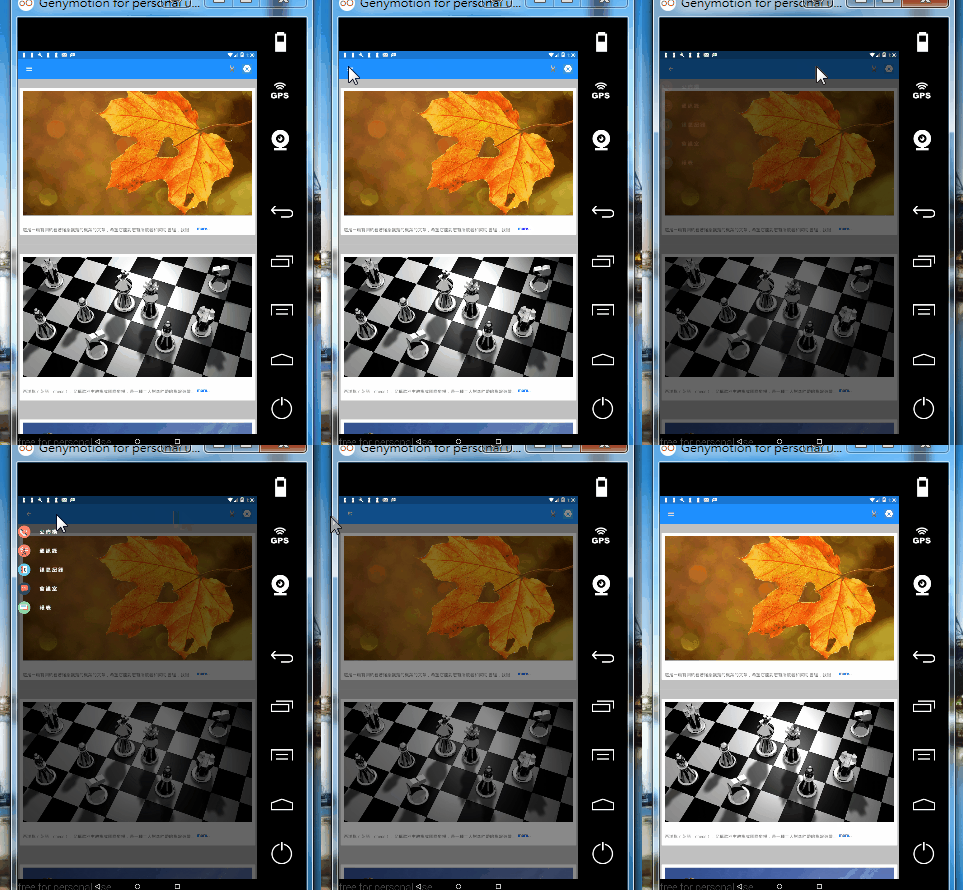
效果:
Customize a ViewCell and implement layout at constuctor
using System;
using System.Collections.Generic;
using System.Linq;
using System.Text;
using System.Threading.Tasks;
using Xamarin.Forms;

namespace Login.View
{
    public class MasterViewCell : ViewCell
    {

        public static readonly BindableProperty NameProperty =
    BindableProperty.Create("Name", typeof(string), typeof(MasterViewCell), "");

        public string Name
        {
            get
            {
                return (string)GetValue(NameProperty);
            }
            set
            {
                SetValue(NameProperty, value);
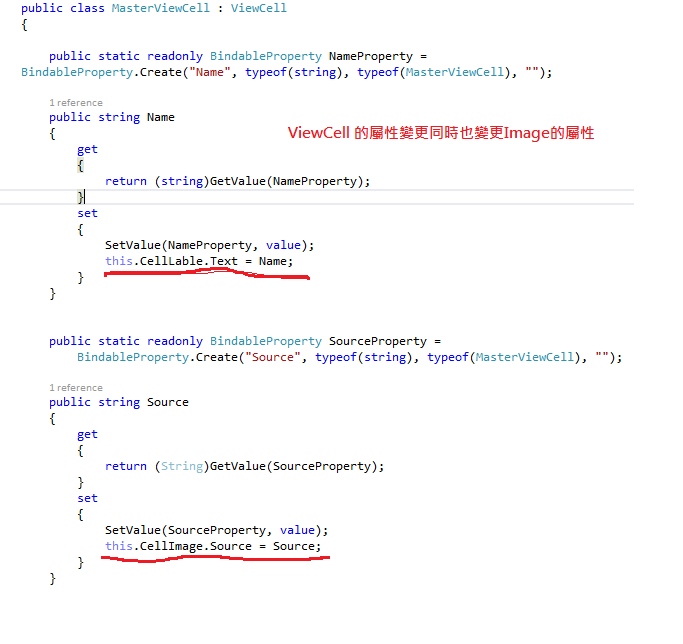
                this.CellLable.Text = Name;
            }
        }


        public static readonly BindableProperty SourceProperty =
            BindableProperty.Create("Source", typeof(string), typeof(MasterViewCell), "");

        public string Source
        {
            get
            {
                return (String)GetValue(SourceProperty);
            }
            set
            {
                SetValue(SourceProperty, value);
                this.CellImage.Source = Source;
            }
        }

        public Image CellImage { set; get; }
        public Label CellLable { set; get; }

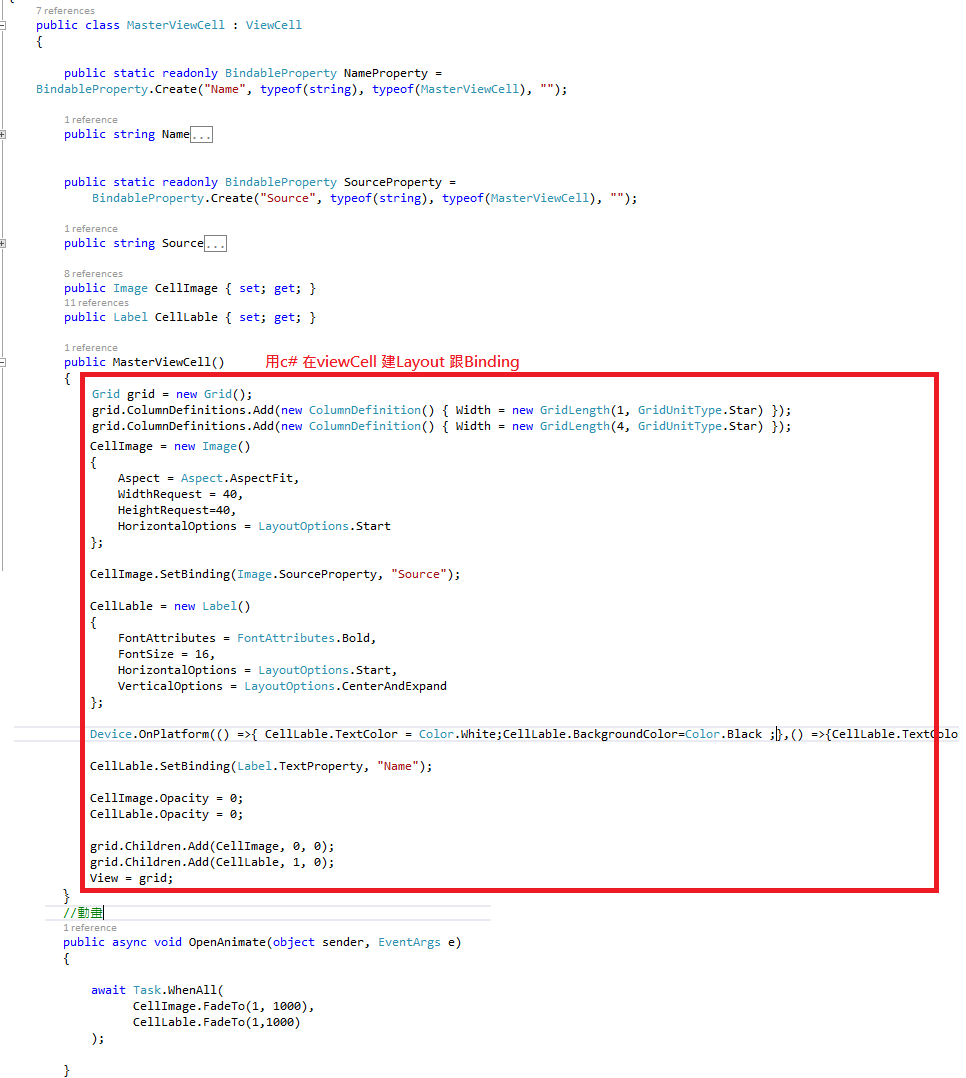
        public MasterViewCell()
        {
            Grid grid = new Grid();
            grid.ColumnDefinitions.Add(new ColumnDefinition() { Width = new GridLength(1, GridUnitType.Star) });
            grid.ColumnDefinitions.Add(new ColumnDefinition() { Width = new GridLength(4, GridUnitType.Star) });

            CellImage = new Image()
            {
                Aspect = Aspect.AspectFit,
                WidthRequest = 40,
                HeightRequest=40,
                HorizontalOptions = LayoutOptions.Start
            };

            CellImage.SetBinding(Image.SourceProperty, "Source");

            CellLable = new Label()
            {
                FontAttributes = FontAttributes.Bold,
                FontSize = 16,
                HorizontalOptions = LayoutOptions.Start,
                VerticalOptions = LayoutOptions.CenterAndExpand
            };

            Device.OnPlatform(() =>{ CellLable.TextColor = Color.Black; },() =>{CellLable.TextColor = Color.White;},() =>{CellLable.TextColor = Color.Black;});

            CellLable.SetBinding(Label.TextProperty, "Name");

            CellImage.Opacity = 0;
            CellLable.Opacity = 0;

            grid.Children.Add(CellImage, 0, 0);
            grid.Children.Add(CellLable, 1, 0);
            View = grid;

        }
        //動畫
        public async void OpenAnimate(object sender, EventArgs e)
        {

            await Task.WhenAll(
                  CellImage.FadeTo(1, 1000),
                  CellLable.FadeTo(1,1000)
            );

        }

        public void CloseAnimate(object sender, EventArgs e)
        {
            ViewExtensions.CancelAnimations(CellImage);

            CellImage.Opacity = 0;
            CellLable.Opacity = 0;
        }

    }
}
Use the Customize ViewCell at ItemTemplate in ContentPage , The BinableProperty of ViewCell must be match with ViewModel's Property,
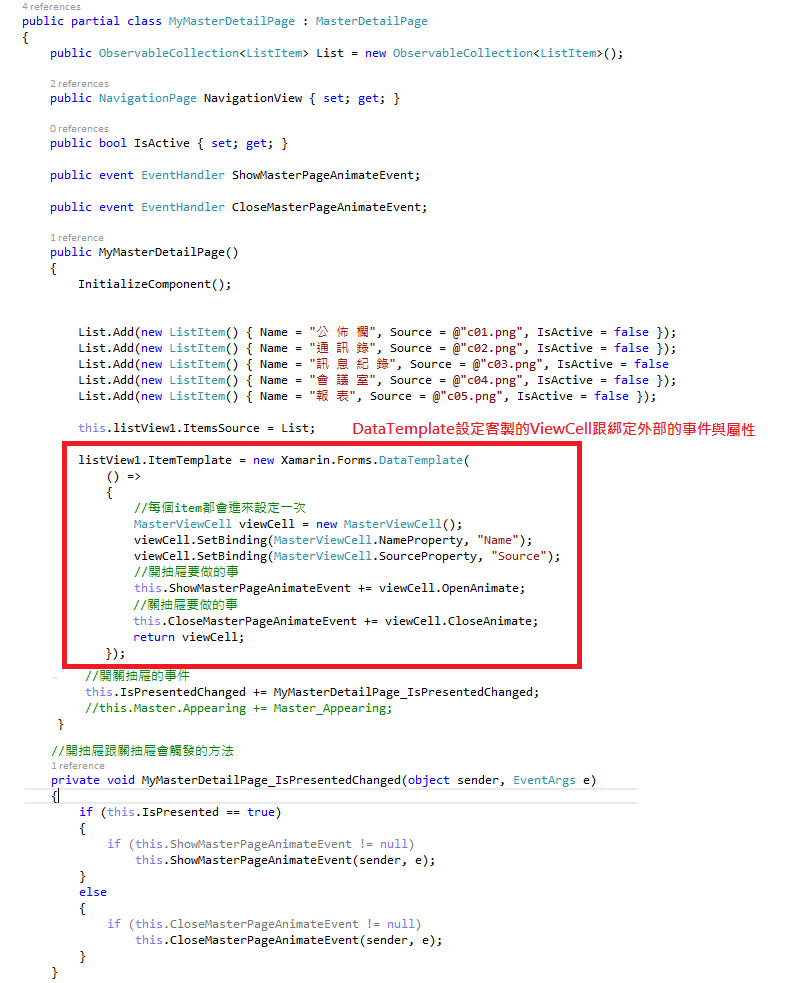
ViewCell 的動畫方法註冊在開關抽屜時的事件中,
ViewCell.OpenAnimate() 開抽屜要做的事情
ViewCell.CloseAnimate() 關抽屜要做的事
using System;
using System.Collections.Generic;
using System.Linq;
using System.Text;
using System.Threading.Tasks;
using Xamarin.Forms.Xaml;
using Xamarin.Forms;
using System.Collections.ObjectModel;
using Windows.UI.Xaml;
using Windows.UI.Xaml.Media;
using System.Reflection;
using System.Collections;
using Login.Custom;
using Login.View;

[assembly: XamlCompilation(XamlCompilationOptions.Compile)]
namespace Login.Page
{

    public partial class MyMasterDetailPage : MasterDetailPage
    {
        public ObservableCollection<ListItem> List = new ObservableCollection<ListItem>();

        public NavigationPage NavigationView { set; get; }

        public bool IsActive { set; get; }

        public event EventHandler ShowMasterPageAnimateEvent;

        public event EventHandler CloseMasterPageAnimateEvent;

        public MyMasterDetailPage()
        {
            InitializeComponent();


            List.Add(new ListItem() { Name = "公 佈 欄", Source = @"c01.png", IsActive = false });
            List.Add(new ListItem() { Name = "通 訊 錄", Source = @"c02.png", IsActive = false });
            List.Add(new ListItem() { Name = "訊 息 紀 錄", Source = @"c03.png", IsActive = false });
            List.Add(new ListItem() { Name = "會 議 室", Source = @"c04.png", IsActive = false });
            List.Add(new ListItem() { Name = "報 表", Source = @"c05.png", IsActive = false });

            this.listView1.ItemsSource = List;

            listView1.ItemTemplate = new Xamarin.Forms.DataTemplate(
                () =>
                {
                    //每個item都會進來設定一次
                    MasterViewCell viewCell = new MasterViewCell();
                    viewCell.SetBinding(MasterViewCell.NameProperty, "Name");
                    viewCell.SetBinding(MasterViewCell.SourceProperty, "Source");
                    //開抽屜要做的事
                    this.ShowMasterPageAnimateEvent += viewCell.OpenAnimate;
                    //關抽屜要做的事
                    this.CloseMasterPageAnimateEvent += viewCell.CloseAnimate;
                    return viewCell;
                });


            //開關抽屜的事件
            this.IsPresentedChanged += MyMasterDetailPage_IsPresentedChanged;
            //this.Master.Appearing += Master_Appearing;
        }

        //開抽屜跟關抽屜會觸發的方法
        private void MyMasterDetailPage_IsPresentedChanged(object sender, EventArgs e)
        {
            if (this.IsPresented == true)
            {
                if (this.ShowMasterPageAnimateEvent != null)
                    this.ShowMasterPageAnimateEvent(sender, e);
            }
            else
            {
                if (this.CloseMasterPageAnimateEvent != null)
                    this.CloseMasterPageAnimateEvent(sender, e);
            }
        }

    }
    public class ListItem
    {
        public bool IsActive { set; get; }
        public String Name { set; get; }
        public String Source { set; get; }
    }

}
關鍵在於