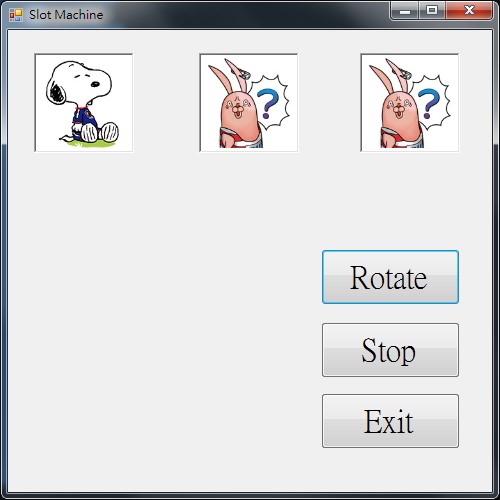
使用Windows Form設計拉BAR遊戲
設計拉BAR遊戲
設計表單
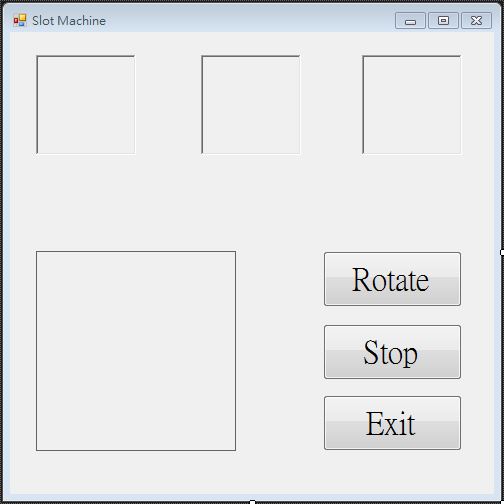
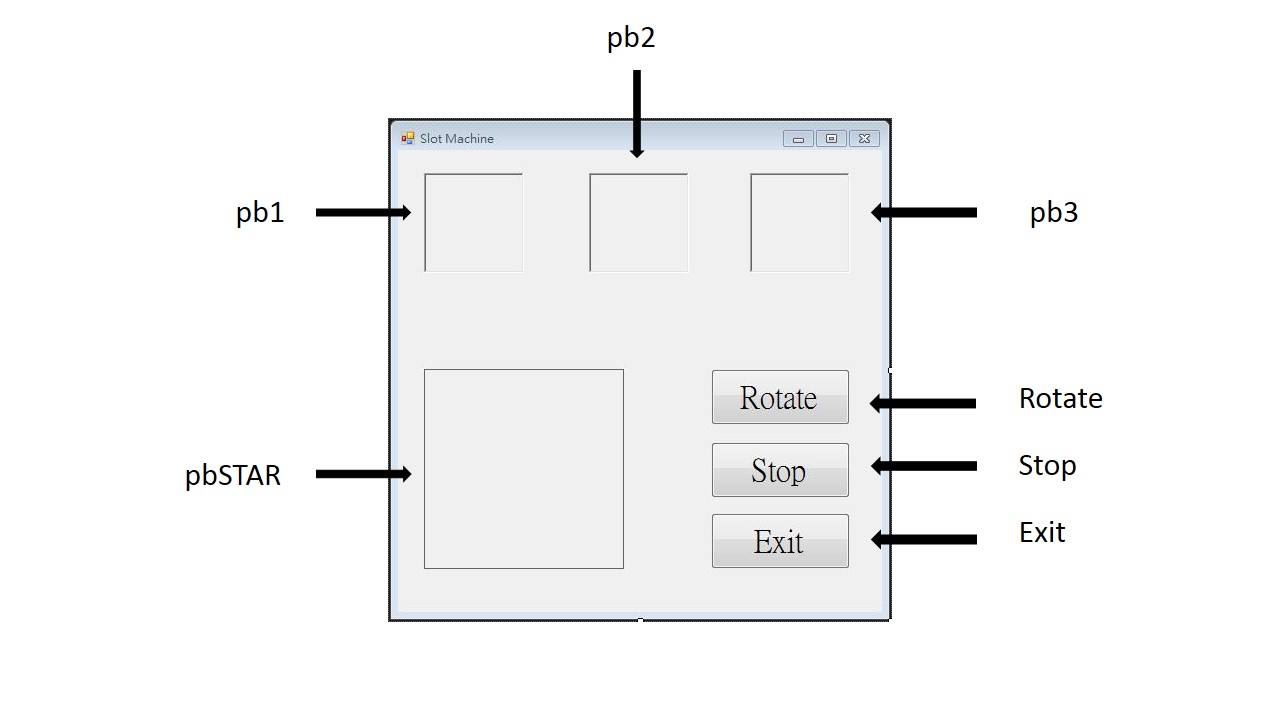
物件名稱
- Button:Rotate、Stop、Exit
- PictureBox:pb1、pb2、pb3、pbSTAR
- Timer:timer1
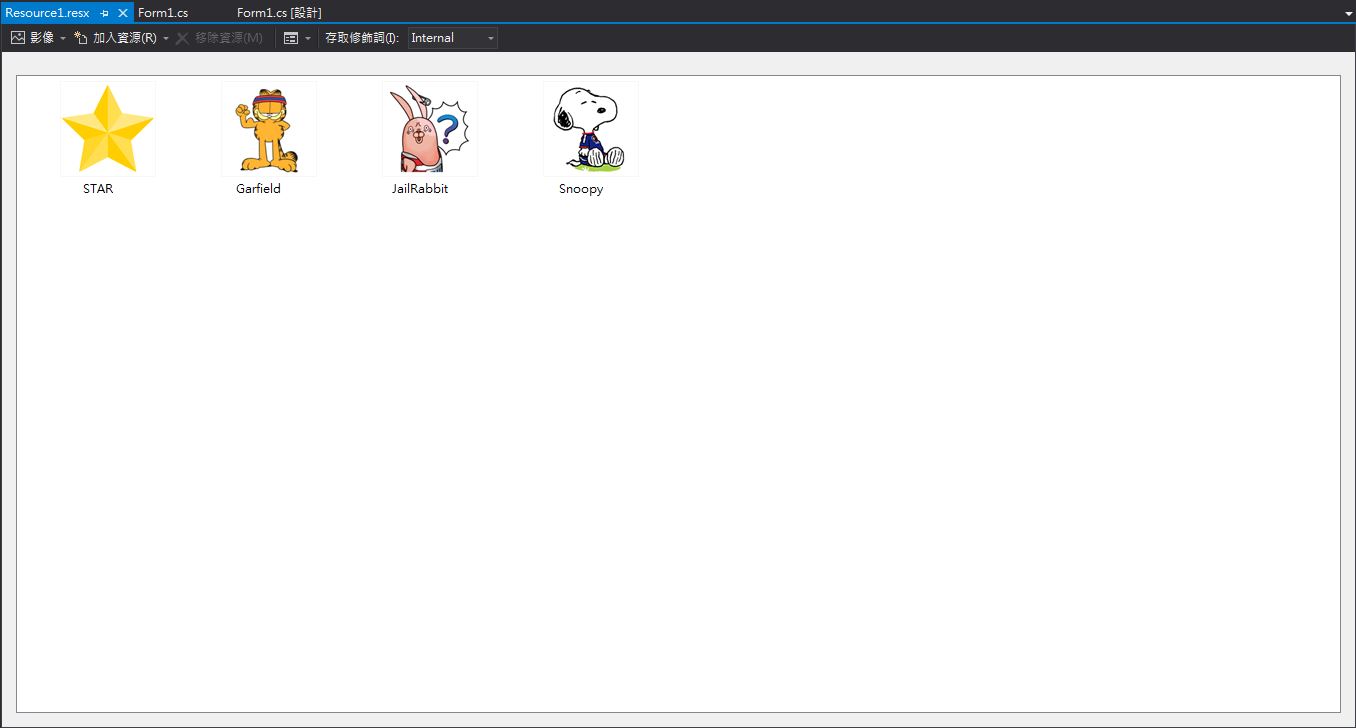
將圖片加入資源檔
程式碼
using System;
using System.Collections.Generic;
using System.ComponentModel;
using System.Data;
using System.Drawing;
using System.Linq;
using System.Text;
using System.Threading.Tasks;
using System.Windows.Forms;

namespace SlotMachine
{
    public partial class Form1 : Form
    {
        public Form1()
        {
            InitializeComponent();
        }

        int a = 0, b = 0, c = 0;

        private void Form1_Load(object sender, EventArgs e)
        {
            //畫面執行時所產生的事件
            timer1.Enabled = false;
            timer1.Interval = 50;
        }

        private void Rotate_Click(object sender, EventArgs e)
        {
            //按下"Rotate"按鈕時所產生的事件
            timer1.Enabled = true;
            pbSTAR.Visible = false;
        }

        private void Stop_Click(object sender, EventArgs e)
        {
            //按下"Stop"按鈕時所產生的事件
            timer1.Enabled = false;
            pbSTAR.Visible = true;
            if (a == b && b == c && a == c)
            {
                pbSTAR.Image = Resource1.STAR;
            }
            else
            {
                pbSTAR.Image = null;
            }
        }

        private void timer1_Tick(object sender, EventArgs e)
        {
            //Timer1觸發所產生的事件
            Random r = new Random();
            a = r.Next(1, 4);
            b = r.Next(1, 4);
            c = r.Next(1, 4);
            switch (a)
            {
                case 1:
                    pb1.Image = Resource1.Garfield;
                    break;
                case 2:
                    pb1.Image = Resource1.JailRabbit;
                    break;
                case 3:
                    pb1.Image = Resource1.Snoopy;
                    break;
            }
            switch (b)
            {
                case 1:
                    pb2.Image = Resource1.Garfield;
                    break;
                case 2:
                    pb2.Image = Resource1.JailRabbit;
                    break;
                case 3:
                    pb2.Image = Resource1.Snoopy;
                    break;
            }
            switch (c)
            {
                case 1:
                    pb3.Image = Resource1.Garfield;
                    break;
                case 2:
                    pb3.Image = Resource1.JailRabbit;
                    break;
                case 3:
                    pb3.Image = Resource1.Snoopy;
                    break;
            }
        }

        private void Exit_Click(object sender, EventArgs e)
        {
            //按下"Exit"按鈕時所產生的事件
            this.Close();
        }
    }
}
執行畫面(影片連結)