摘要:OpenNI 我來了
 我現在手邊拿到的機種是上面那個只有兩隻眼睛的XtionPRO Depth Sensor
點到 Programmer Guide 頁
http://openni.org/Documentation/ProgrammerGuide.html
它解釋了 Production Nodes
和 Production Chain的觀念
Production Nodes有兩種
- Sensor-Related Production Nodes
- Middleware-Related Production Nodes
Production Chain 就是串接Production Nodes, 通常我們只關心最上層的Production Nodes提供了什麼給App
廢話少說, 先跑一個範例程式試試看
(三個小時過去....)
因為安裝程式順序還是什麼的有錯, 一直反安裝重開機, 最後乾淨的安裝了primesense-win32-fullinstaller-dev-20.4.2.20.exe
終於可以跑範例 "C:\Program Files\PrimeSense\NITE\Samples\Bin\Release\Sample-StickFigure.exe"
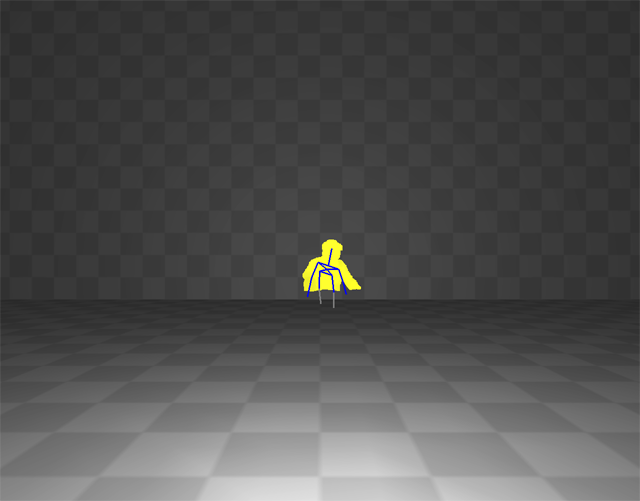
這邊, 因為放在桌子前面, 只拍到人的半身, 所以在畫面中只呈現小小的骨架
既然目前比較關心手部動作的偵測 那麼先暫時不要管整體設定的問題
腰部以下沒有偵測到的部位和Kinect一樣會抖抖抖, 但手部和頭部好像有比較穩定一點? 錯覺?
"C:\Program Files\OpenNI\Samples\Bin\Release\NiViewer.exe"
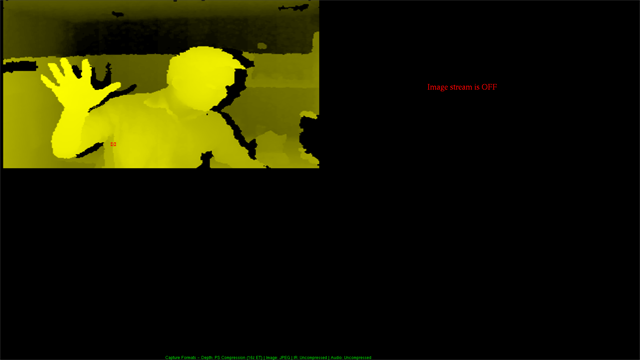
NiViewer應該會把各種NI收集到的資料顯現出來, 這台機器只有DepthSensor所以只有深度圖出現
C:\Program Files\OpenNI\Samples\Bin\Release\NiUserSelection.exe
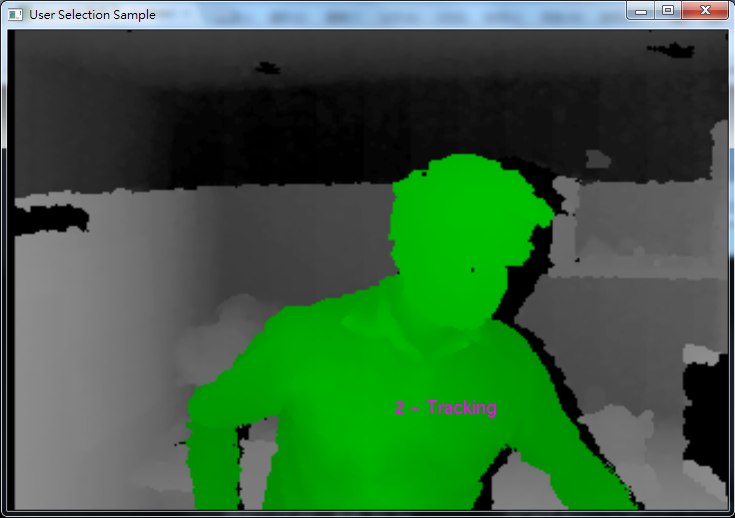
這個程式自動判斷出人型, 然後標上編號
C:\Program Files\OpenNI\Samples\Bin\Release\NiUserTracker.exe 也是類似
開始閒聊
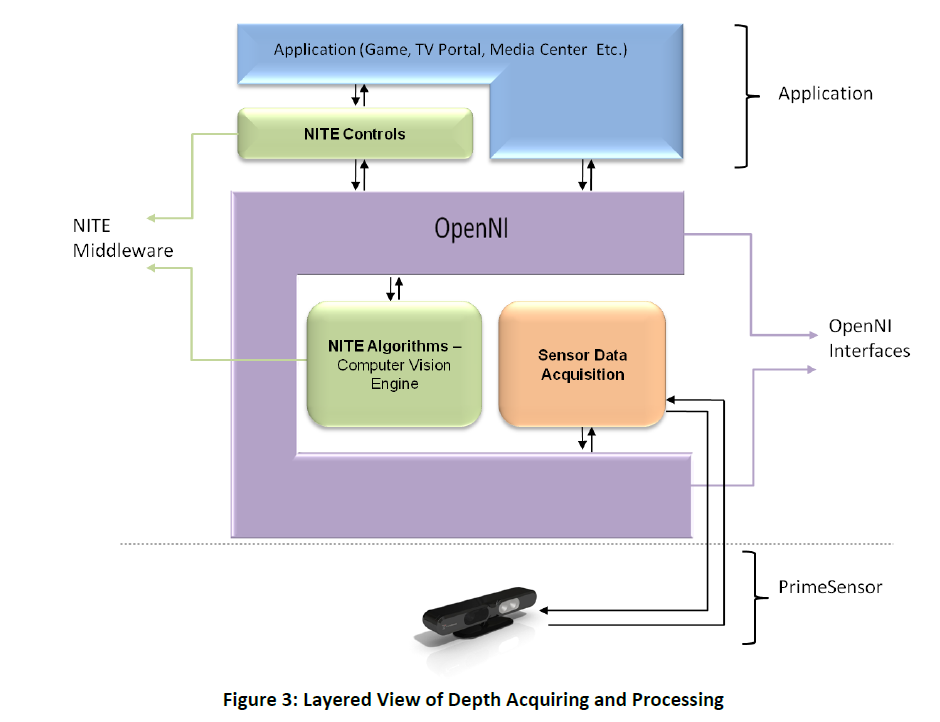
OpenNI是個開放架構, 其中主導者是 PrimeSense, 其中
PrimeSense自己將取得的資料判讀後, 解讀成有意義的資訊, 這部份叫做NITE
- NITE
PrimeSense’s Natural Interaction Technology for End-user - NITE™ - is the middleware that perceives the world in 3D, based on the PrimeSensor depth images, and translates these perceptions into meaningful data in the same way that people do.
NITE偵測有三個階段
-
Not in Session: In this state, there is no active session, hence the system is in a mode of scanning the scene to detect a focus gesture. Once this gesture is recognized, the state changes to “in session‟.
不在場 -
In Session: In this state, there is a hand that is currently in control and being tracked by the system.
在場 -
Quick Refocus: This is an intermediate state, in which, while in session, the hand point is lost. We don't want to stop the session yet, but rather give a grace period in which the session can be resumed with a different (perhaps shorter or easier) hand gesture, which we will refer to as the 'quick refocus gesture'. While in “Quick Refocus” state, the session can also be resumed using the regular focus gesture. Once the grace period has timed out, the state changes to “Not in Session”. The “Quick Refocus” state is optional.
消失但可以很快恢復期
Hand Point(偵測手部位置的動作)有以下幾種動作
- Push
- Swipe
- Steady
- Wave
- Circle
- Selectable Slider1D(x,y,or z)
- Selectable Slider2D
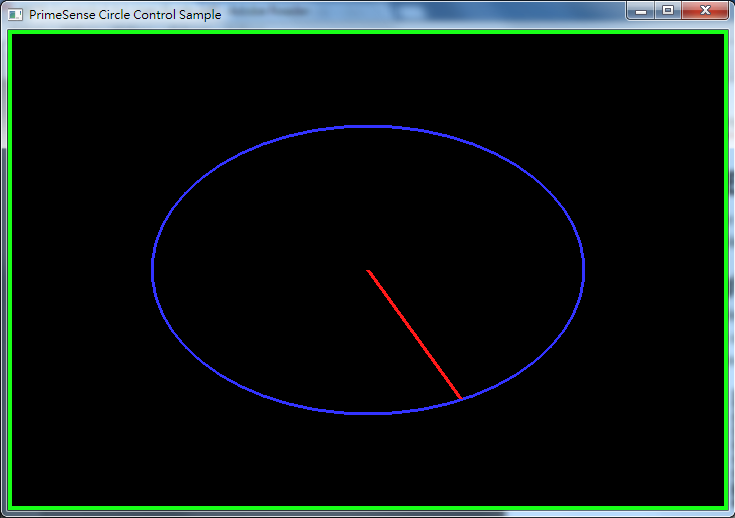
CircleControl範例
在空中先WAVE 再畫圈, 可以轉動這個指針
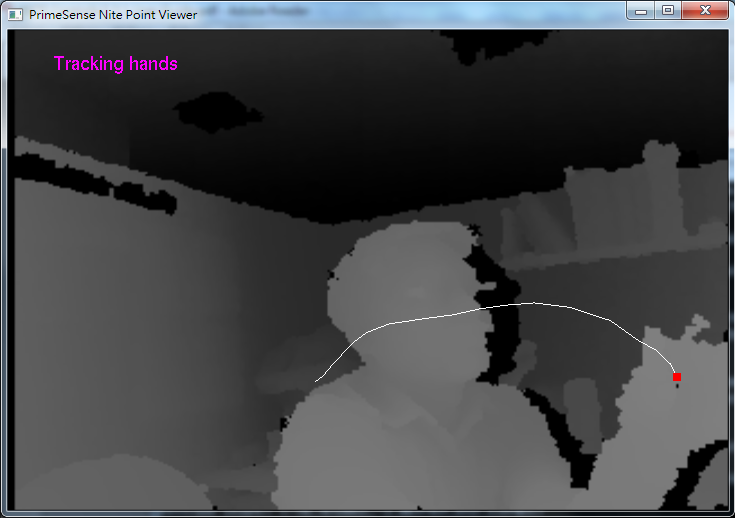
PointView範例
先揮手(Wave), 再向前推(Click)就可以開始Tracking 我的手(Point)
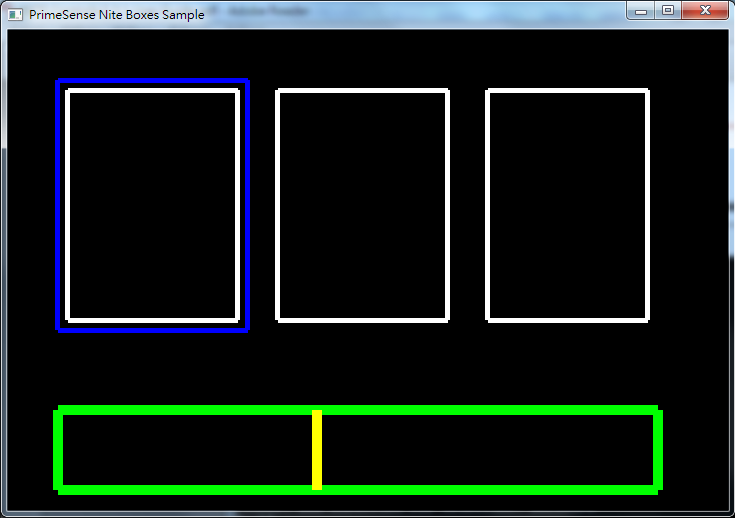
Box範例
也是用Wave來啟動, 然後在三個Box的位置向前按(Push)
感想:
覺得在空間中做Push的動作很不實際...判讀程式很容易將往前按判斷成往左右移動... 因此, 要精確按到其中一個Box是很累人的事
除非偵測環境調整得很好, 而且使用者非常熟練
 |
|
