摘要:Ogre Tessellation研究報告
首先先把Ogre 版本改成 4262
拿到了一個Sample 叫 Tessellation
內容就是一個Tessellation過的三角面
步驟1
把Ogre Head指定相同的材質試試看, 奇怪畫面上出現一堆錯亂的線條
應該是WorldViewProjection Matrix 有問題, 所以自行代換了World Matrix試試, 也找了很多HLSL是否要transpose matrix的問題
( 過了二個星期)
最後發現原來是Shader裏Matrix乘法順序的問題, 在OGRE架構下, vector=mul(matrix, vector) 才是對的
接下來, 要把模型加上光影
步驟2
參考了DX11的sample DetailTessellation 把它的VS, HS, constantHS, DS 及 PS去除增加效能的adaptive 演算法後
首先遇到第一個問題是 會當機
(一個星期過去)
找到原因, 我在HLSL程式裏放了兩個 Constant Buffer, 假設有一個Shader並未用到其中一個Constant Buffer的任何一個參數
Ogre的這段CODE會當掉
	ID3D11Buffer* D3D11HLSLProgram::getConstantBuffer(GpuProgramParametersSharedPtr params, uint16 variabilityMask)
	{
		// Update the Constant Buffer
		BufferInfoIterator it = mBufferInfoMap.find(0);
		if (it != mBufferInfoMap.end())
		{
			if (!it->mUniformBuffer.isNull())
			{
				void* pMappedData = it->mUniformBuffer->lock(HardwareBuffer::HBL_DISCARD);

				// Only iterate through parsed variables (getting size of list)
				void* src = 0;
				ShaderVarWithPosInBuf* iter = &(it->mShaderVars[0]);
因為mShaderVars和此Shader無關的都不會收錄進來, 所以這個Array的Size就是0, it->mShaderVars[0]就會當掉
解決的方法是, 不要用兩個Constant Buffer, 除非你很確定它會被每個Shader用到( 或是要去改Ogre的D3D11HLSLProgram程式)
Shader Model 4.0的Texture使用方法和之前不同
tex2D是屬於SM3.0的語法, 在SM4.0是不能用的
要改成
Texture2D g_diffuseTexture : register( t0 );

SamplerState g_samplerLinear : register(s0);
.....
float4 cBaseColor = g_diffuseTexture.Sample(g_samplerLinear,Input.texCoord);
經過反覆確認Ogre有把圖傳給Shader之後
好了, 不會當了, 貼圖也都出來了, 現在要開始做Displacement mapping了
步驟3
在Domain Shader加上
float4 vNormalHeight = g_heightTexture.SampleLevel(g_heightSampler,Output.texCoord,0);
vWorldPos += vNormal * (vNormalHeight.r-0.5);
因為 Domain Shader並不能使用 Texture2D.Sample而是要用 SampleLevel 理由自己Google
所以SampleLevel最後一個參數0代表的是使用最高階的MIPMAP也就是原圖
但是不管怎麼試, g_heightTexture 取出來的就是float4(0,0,0,0)
(又好幾天過去)
原來是OGRE D3D11的支援沒有寫完整
		if (opState->mSamplerStatesCount > 0 ) //  if the NumSamplers is 0, the operation effectively does nothing.
		{
			// Assaf: seem I have better performance without this check... TODO - remove?
		   	// if ((mBoundSamplerStatesCount != opState->mSamplerStatesCount) || ( 0 != memcmp(opState->mSamplerStates, mBoundSamplerStates, mBoundSamplerStatesCount) ) )
			{
				//mBoundSamplerStatesCount = opState->mSamplerStatesCount;
				//memcpy(mBoundSamplerStates,opState->mSamplerStates, mBoundSamplerStatesCount);
				mDevice.GetImmediateContext()->PSSetSamplers(static_cast(0), static_cast(opState->mSamplerStatesCount), opState->mSamplerStates);
				if (mDevice.isError())
				{
					String errorDescription = mDevice.getErrorDescription();
					OGRE_EXCEPT(Exception::ERR_RENDERINGAPI_ERROR,
						"D3D11 device cannot set pixel shader samplers\nError Description:" + errorDescription,
						"D3D11RenderSystem::_render");
				}

				mDevice.GetImmediateContext()->DSSetSamplers(static_cast(0), static_cast(opState->mSamplerStatesCount), opState->mSamplerStates);
				if (mDevice.isError())
				{
					String errorDescription = mDevice.getErrorDescription();
					OGRE_EXCEPT(Exception::ERR_RENDERINGAPI_ERROR,
						"D3D11 device cannot set domain shader samplers\nError Description:" + errorDescription,
						"D3D11RenderSystem::_render");
				}
			}
這裏補上了一個DSSetSamplers
還有
			mDevice.GetImmediateContext()->PSSetShaderResources(static_cast(0), static_cast(opState->mTexturesCount), &opState->mTextures[0]);
			if (mDevice.isError())
			{
				String errorDescription = mDevice.getErrorDescription();
				OGRE_EXCEPT(Exception::ERR_RENDERINGAPI_ERROR,
					"D3D11 device cannot set pixel shader resources\nError Description:" + errorDescription,
					"D3D11RenderSystem::_render");
			}

			mDevice.GetImmediateContext()->DSSetShaderResources(static_cast(0), static_cast(opState->mTexturesCount), &opState->mTextures[0]);
			if (mDevice.isError())
			{
				String errorDescription = mDevice.getErrorDescription();
				OGRE_EXCEPT(Exception::ERR_RENDERINGAPI_ERROR,
					"D3D11 device cannot set domain shader resources\nError Description:" + errorDescription,
					"D3D11RenderSystem::_render");
			}
這裏補了DSSetShaderResources
這兩個地方都是大概猜一下沒有仔細研究就加了
結果還真的是這樣
這時看到normal map和displacement map的光影好像沒有很一致
只有凹凸沒有亮暗
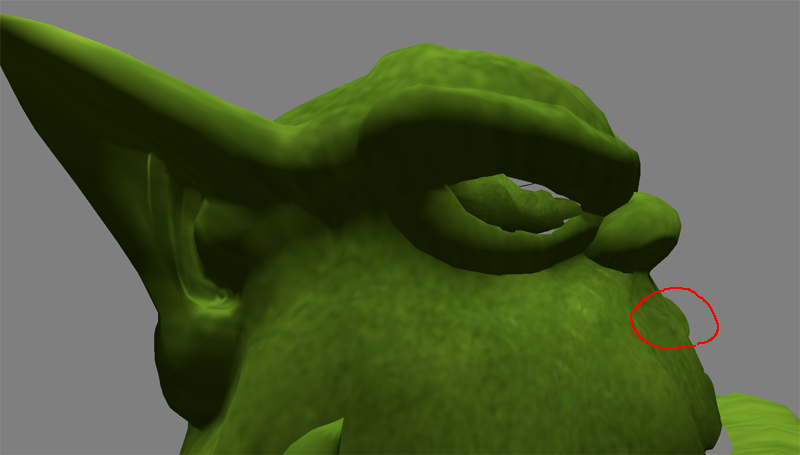
原來這兩個東西要從美術那邊就要做好互相配合
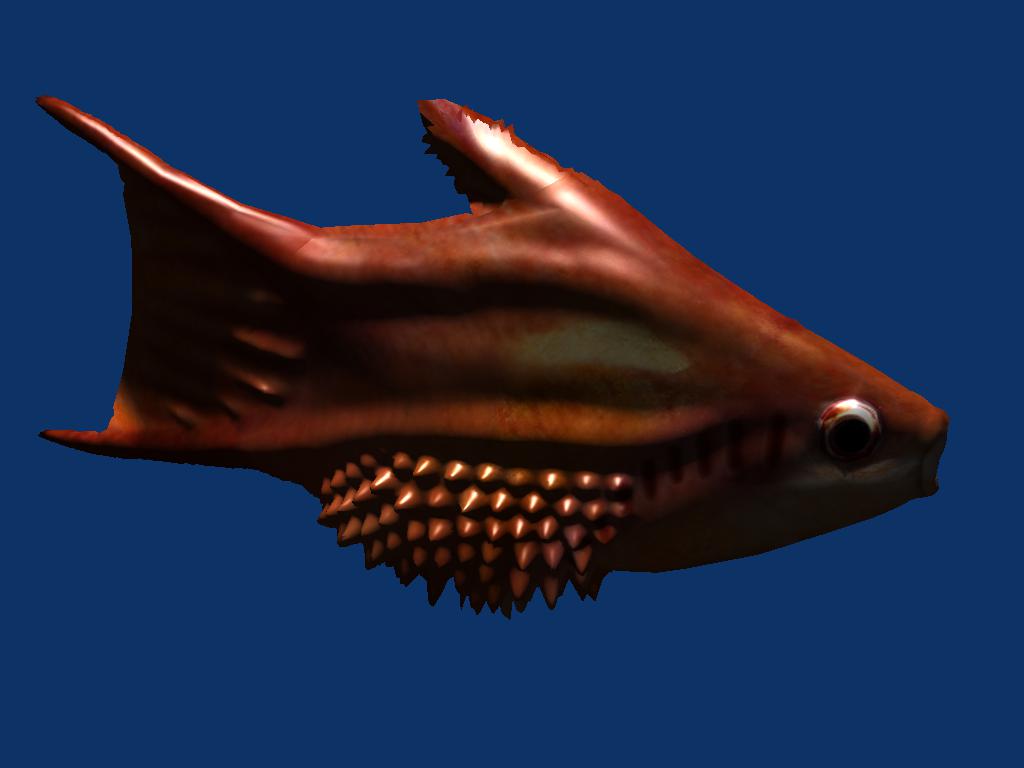
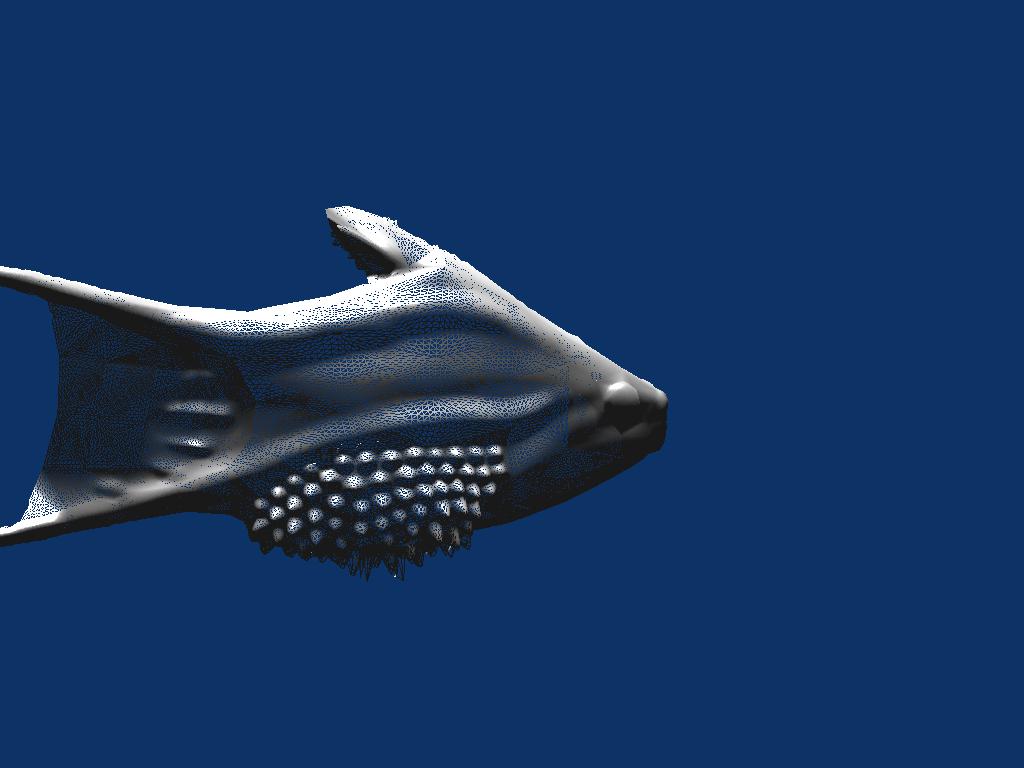
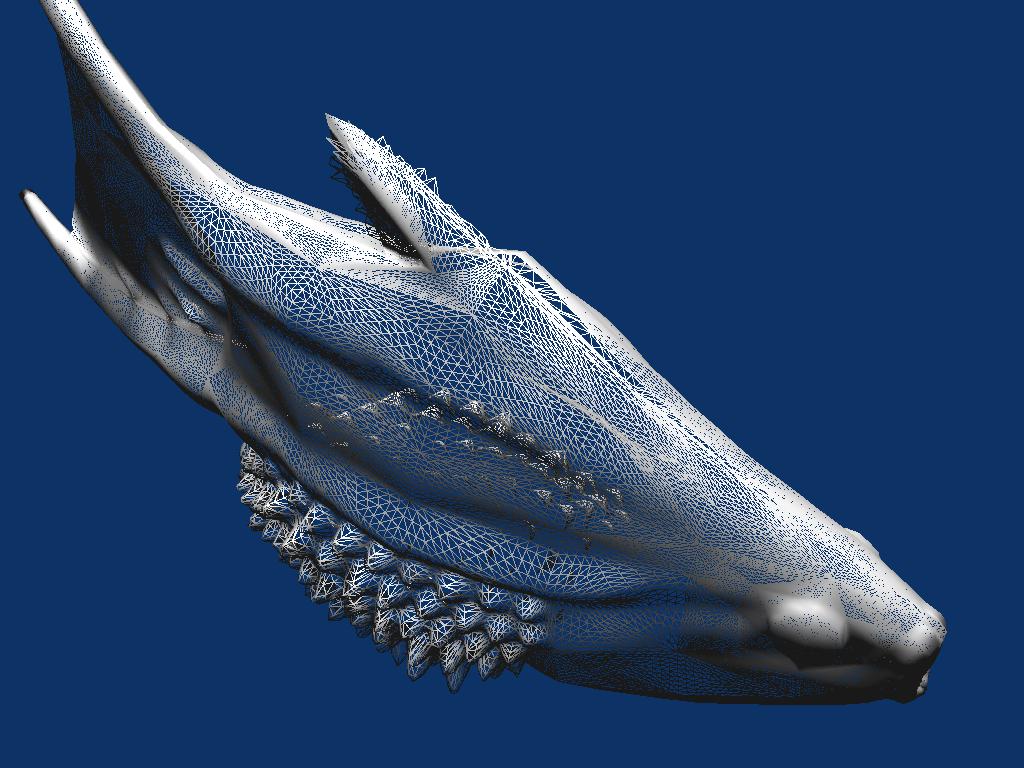
於是跟美術要了一個會動的魚, 而且同時有normal map 和 displacement map
動作的部份就交給Software skeleton animation, 所以Shader就不再改什麼
但是因為我們的Shader有使用到Tangent, 所以Mesh載進來之後要先Build Tangent
pFurcaMesh->buildTangentVectors(Ogre::VES_TANGENT,0,0,true,false,true);
注意最後一個參數是true 代表storeParityInW
因為美術製作的Model時常會在對稱的生物上使用同一張normal map
要利用不同的Tangent方向才不會看到兩側的向量都朝同一個方向
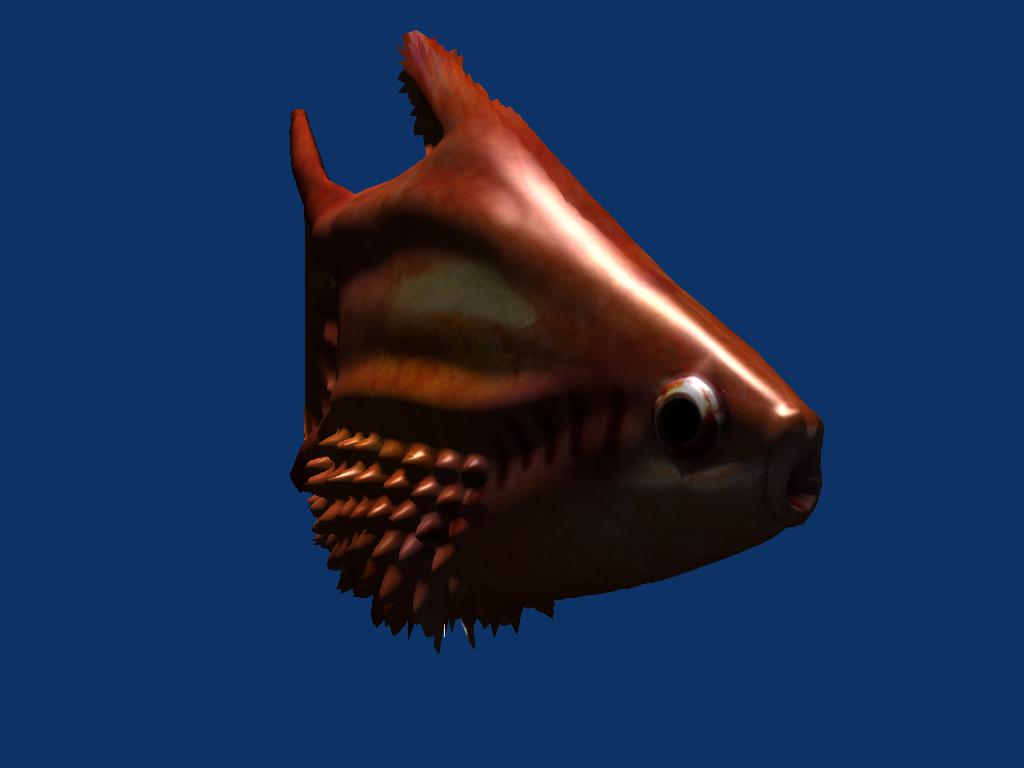
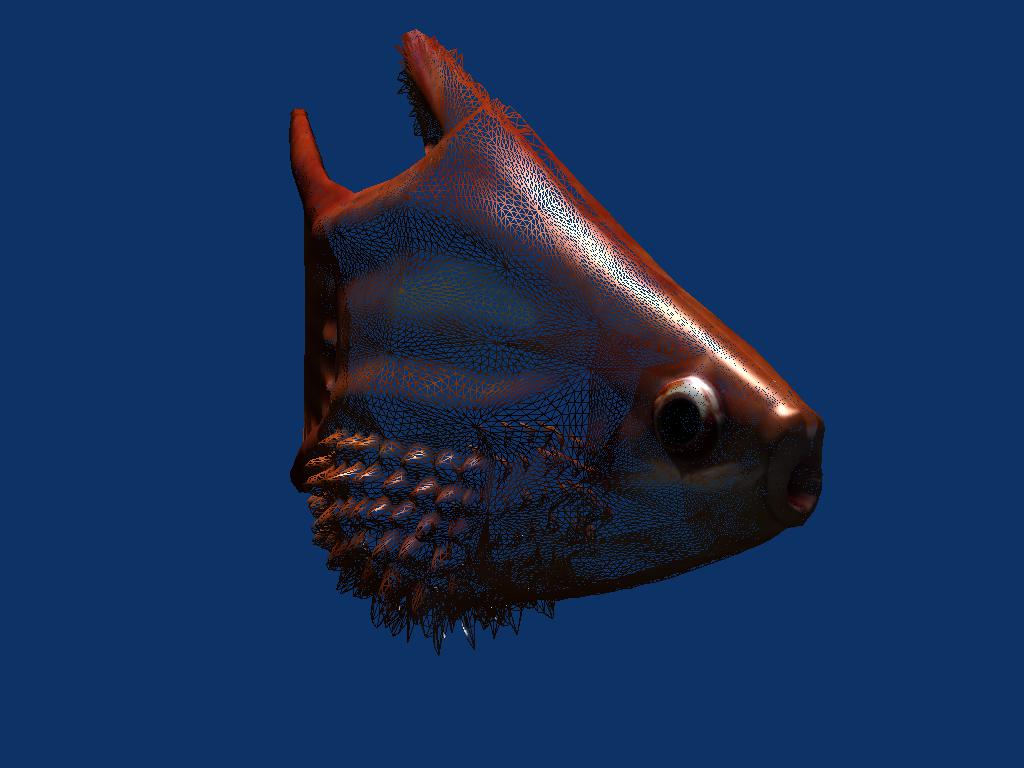
結果:
 |
|
